
How to Fix Metadata Not Showing Up in the <head> Tag in Next.js
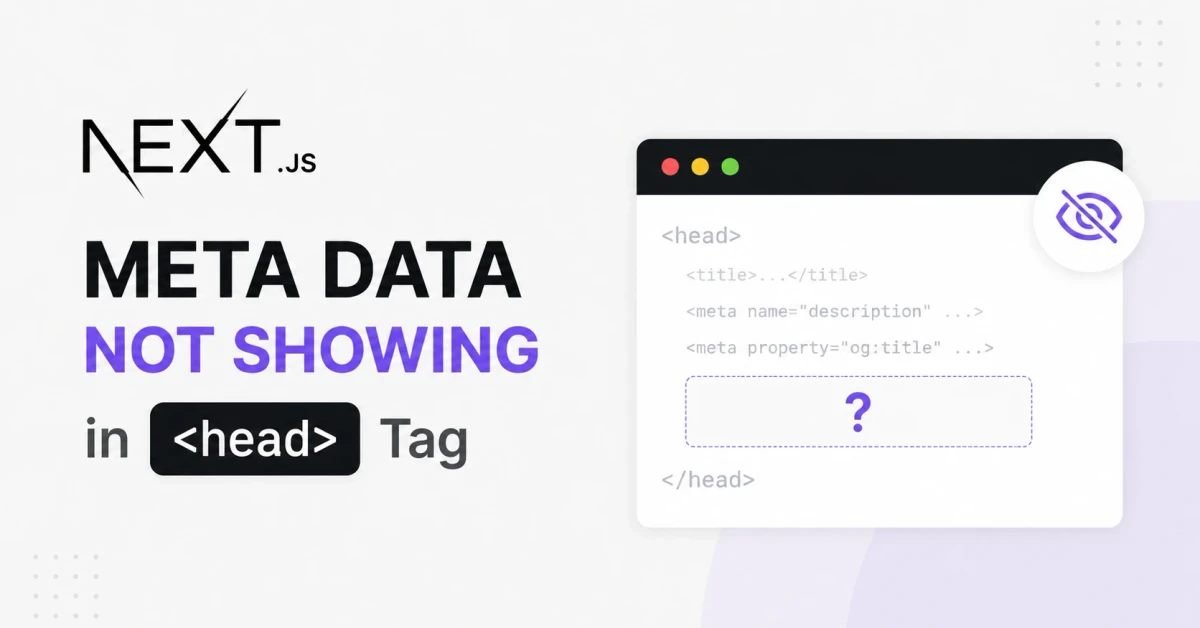
Next.js 15.2+ Metadata Streaming Might Be Hurting Your SEO Without You Realizing It.
Sometimes a new feature update becomes an unnoticed problem for your website, silently affecting one of its most important purposes. That's exactly what happened to me when I noticed something unusual in my Next.js 15.2+ application.
The metadata was no longer being rendered inside the <head>. At first, I thought it was a bug in my code. I spent quite some time debugging before I finally realized that Next.js had introduced a new feature. It's actually an incredible update in many ways, but for my use case, it became a headache.
I'll get straight to the point.
Starting with Next.js 15.2, metadata is no longer rendered directly in the initial HTML by default. Instead, Next.js streams the metadata after the page starts loading. The idea behind this is great—it reduces blocking work and helps improve page performance.
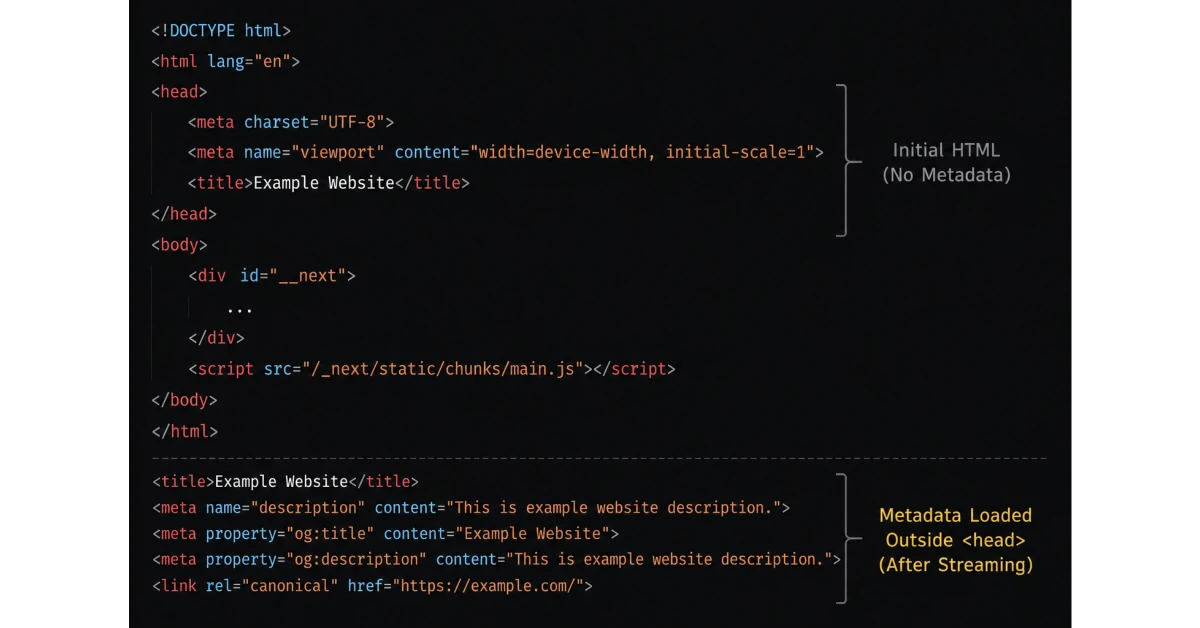
The problem is that not every search engine relies on JavaScript or waits for streamed content.
Many search engines still depend on the initial HTML source to extract metadata. Some may understand streamed metadata, while others may not. Even more confusing, the streamed metadata doesn't always appear inside the <head> section when you inspect the page source. Instead, it can appear outside the <head>, which honestly feels wrong because it doesn't follow the traditional way metadata has always been rendered.
Now, I don't know exactly how many search engines fully support this new approach, and maybe Google is smart enough to handle it. But here's the thing...
Search engines don't wait forever.
Many crawlers still treat the initial HTML as the primary source of truth for indexing. As website owners, especially if we're launching a new website, we want our pages to be indexed as quickly as possible. We already have enough problems dealing with crawl budgets, delayed indexing, and getting search engines to trust a new domain.
Adding another layer of complexity to something as important as metadata doesn't seem like a good trade-off for new websites.
I'm not saying this feature is bad.
In fact, from a performance perspective, it's a really smart idea. But if you're running a new website or you care about maximum compatibility across all search engines, this feature could work against you in the beginning. Not every crawler will understand streamed metadata today, even if they eventually will in the future.
The Fix
If you prefer the traditional behavior, you can simply disable metadata streaming and force Next.js to render metadata in the initial HTML again.
Just add the following to your next.config.js or next.config.mjs:
1// next.config.mjs23/** @type {import('next').NextConfig} */4const nextConfig = {5 // Disable metadata streaming for all crawlers6 htmlLimitedBots: /.*/,7}89export default nextConfig
This tells Next.js to serve fully rendered HTML metadata to every crawler instead of streaming it.
Personally, this is the approach I'm sticking with for now. Until streamed metadata becomes a universally accepted standard across search engines and SEO tools, I'd rather follow the traditional method that has worked reliably for years.








I’m a Software Engineer from Northeast Assam, India, with 10+ years of experience in the field of computer science. Over the years, I’ve worked with large enterprises and well-established companies, helping them design, build, and scale robust software solutions.